
Best Graphic Editors and Logo Design Tools for Summer 2017
Graphic editors come in handy for tasks including simple photo retouching, creating extraordinary artworks with 3D designs, assigning amazing photo effects, making a photomontage, and more. In this collection you’ll find some useful logo design tools for creating logos for your customers in a very quick and easy manner.
Adobe Illustrator
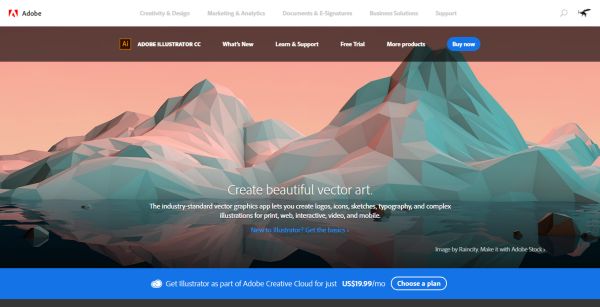
A top-notch graphics editor you can use to create outstanding vector artworks and magnificent illustrations for a wide array of projects.
Adobe Photoshop Photo Editor
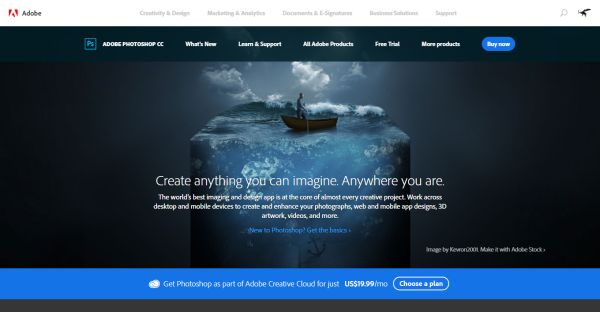
One of the most well-known graphic editors including multiple professional features. Lots of designers all across the globe use it for creating their artworks.
Pixlr
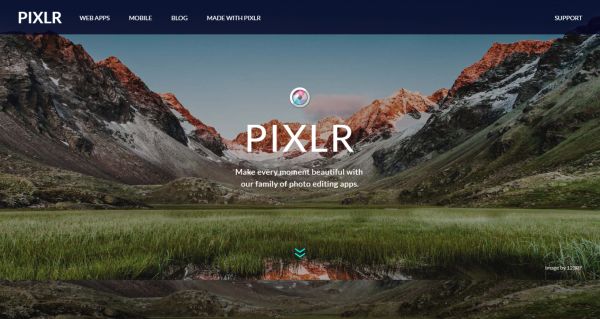
This editor provides you with a free access to multiple effects you can use to retouch your photos and create stunning photo-effects.
Blender 3D Creator
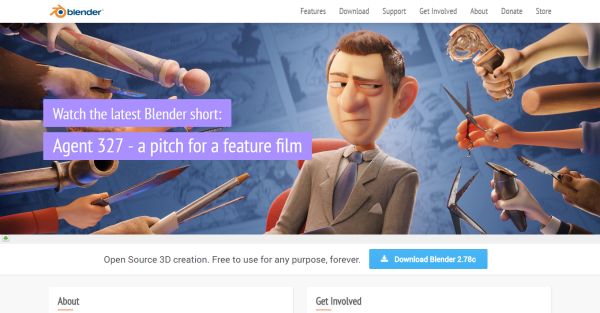
An open source 3D software that supports modeling, animations, rendering, motion tracking, and more functions.
Affinity
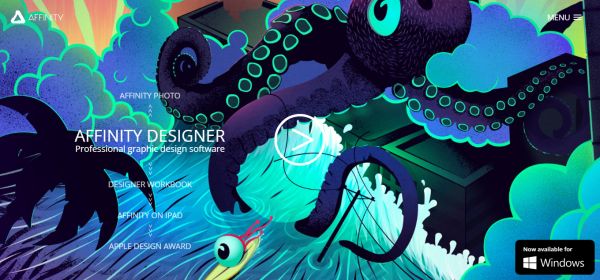
A sophisticated photo editing tool, which you can use to get remarkable results. Just check out all of its features to get an insight on this editor’s opportunities.
Logo Makr
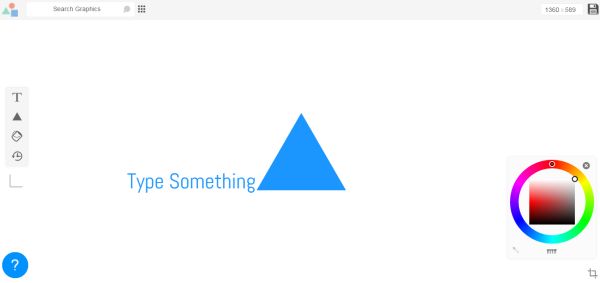
A logo design software allows you to quickly create a simple logo design using favicons. This is a great tool you can use to try various basic designs.
Graphic Springs
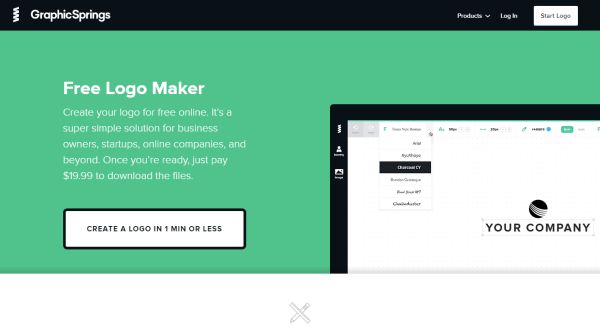
An amazing website you can use to build your logo online, absolutely freely and easily.
Logaster
A comprehensive online service that helps you design beautiful logos, corporate identity, branded items, etc.
Logo Garden
A beautiful generator that automatically creates various logo designs in a few easy steps. You will need to insert some information about your company and you’re done.
SquareSpace Logo Design
A professional logo design that is perfect both for beginners and experienced designers. This website offers a quick and easy way of creating your own unique logo.
There are much more interesting graphic and logo designing tools we hope to share with you in future. Stay tuned!
